Help — how to do everything, in plain English
Short guides for every step: building and publishing your site, editing it, your web address, your leads, billing, and getting found on Google. 21 guides, all written from how the product actually works today. No account needed to read them.
Getting started
Build your site, look it over, claim it, and put it live.
Editing your site
Change words and photos, add or hide pages, switch the design.
Your web address
Get a domain from us, connect one you own, or move from an old site.
Leads
Where quote requests go, how to answer them, and how to fix email problems.
Billing
Cancel, refunds, receipts, declined cards.
Your account
Sign in, take your site offline for a while, download your data, or close the account.
Getting found on Google
What to do in your first week, and what your site already does for you.
Watch the whole process
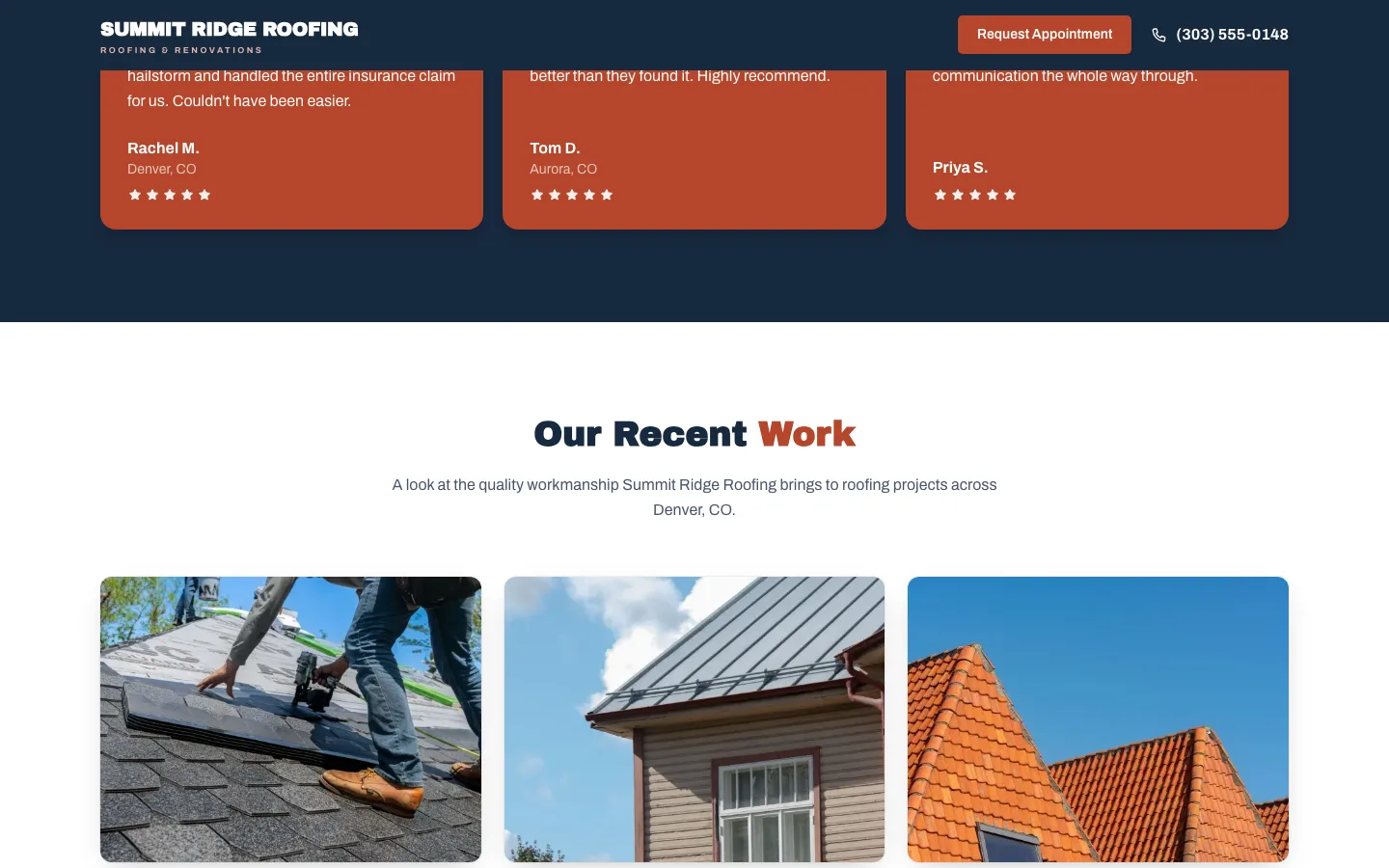
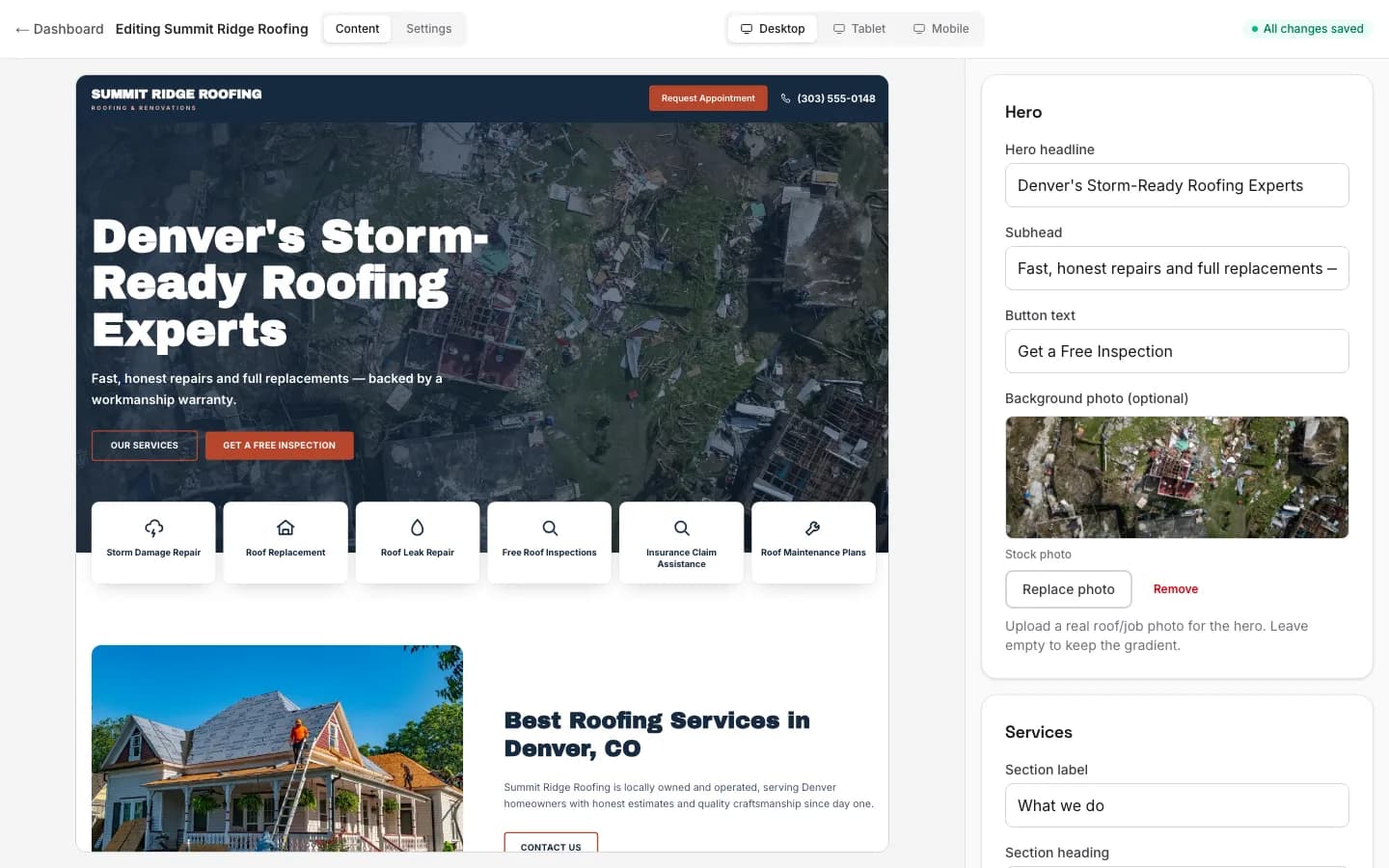
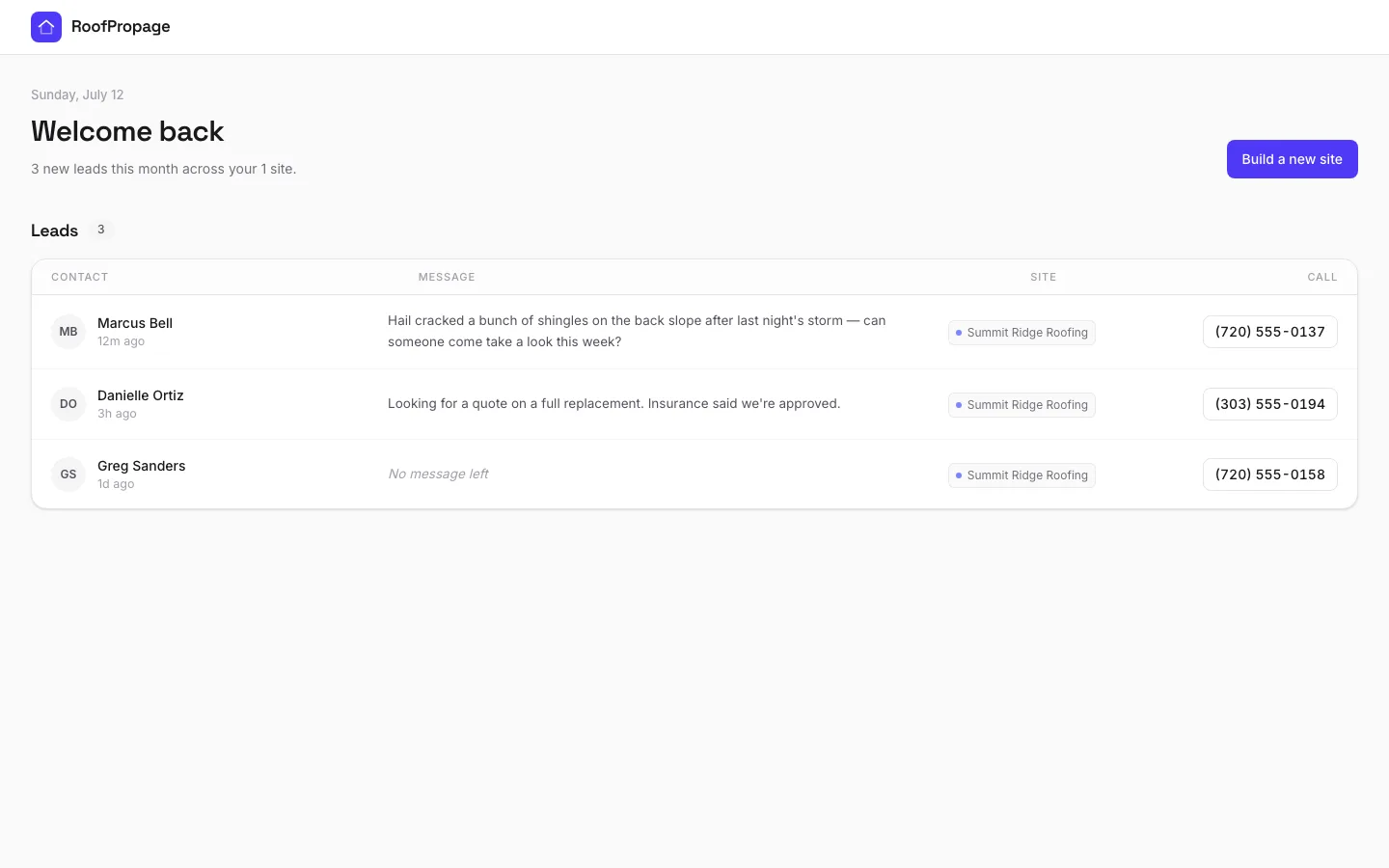
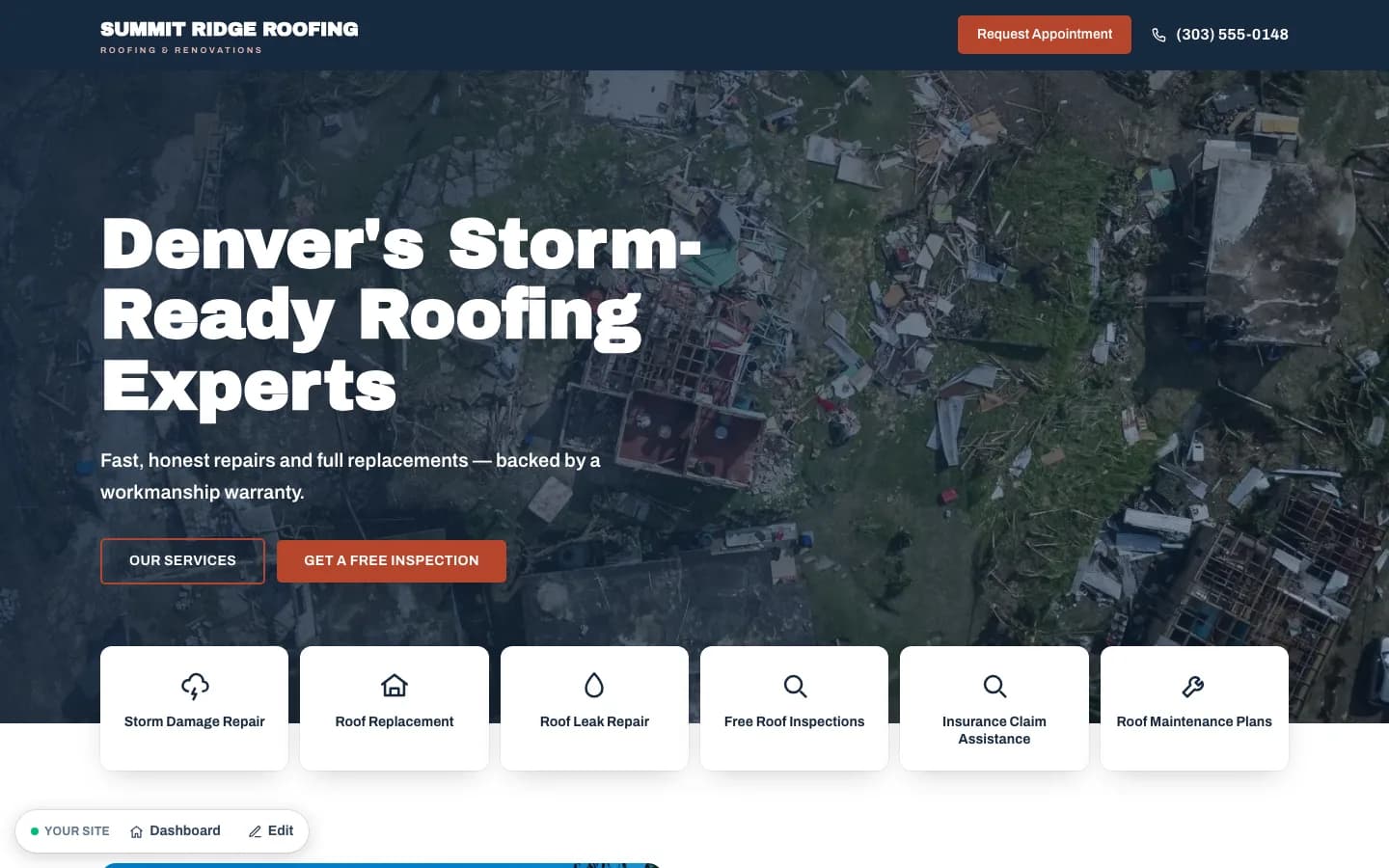
Here’s the whole arc built for Summit Ridge Roofing — one of our example sites — answer a few questions, watch it build, preview it, edit it, and collect leads. It’s a quick tour you can pause or step through; the reviews and photos you’ll see are the example site’s own generated content, not real customer reviews.
How RoofPropage works — a product walkthrough
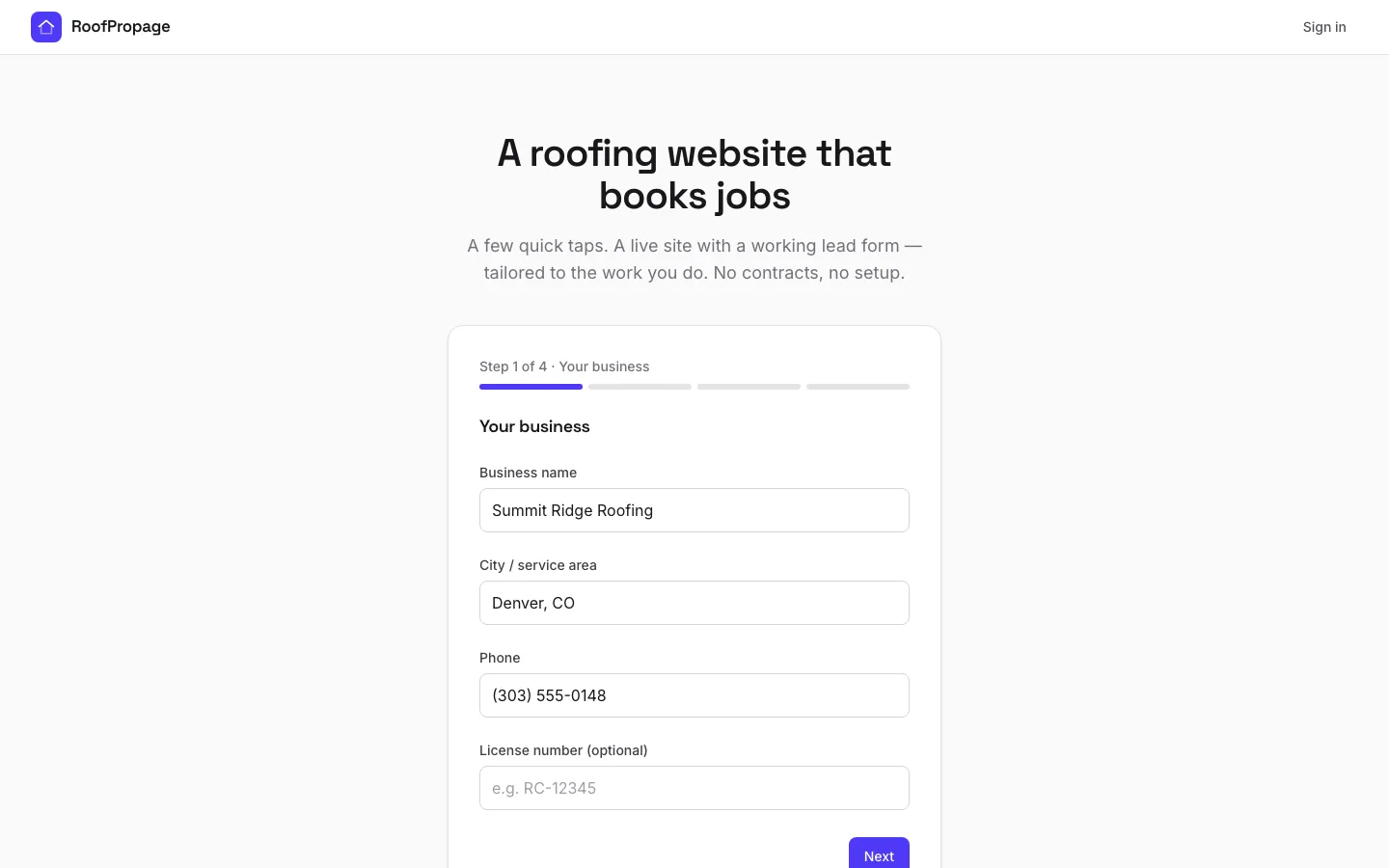
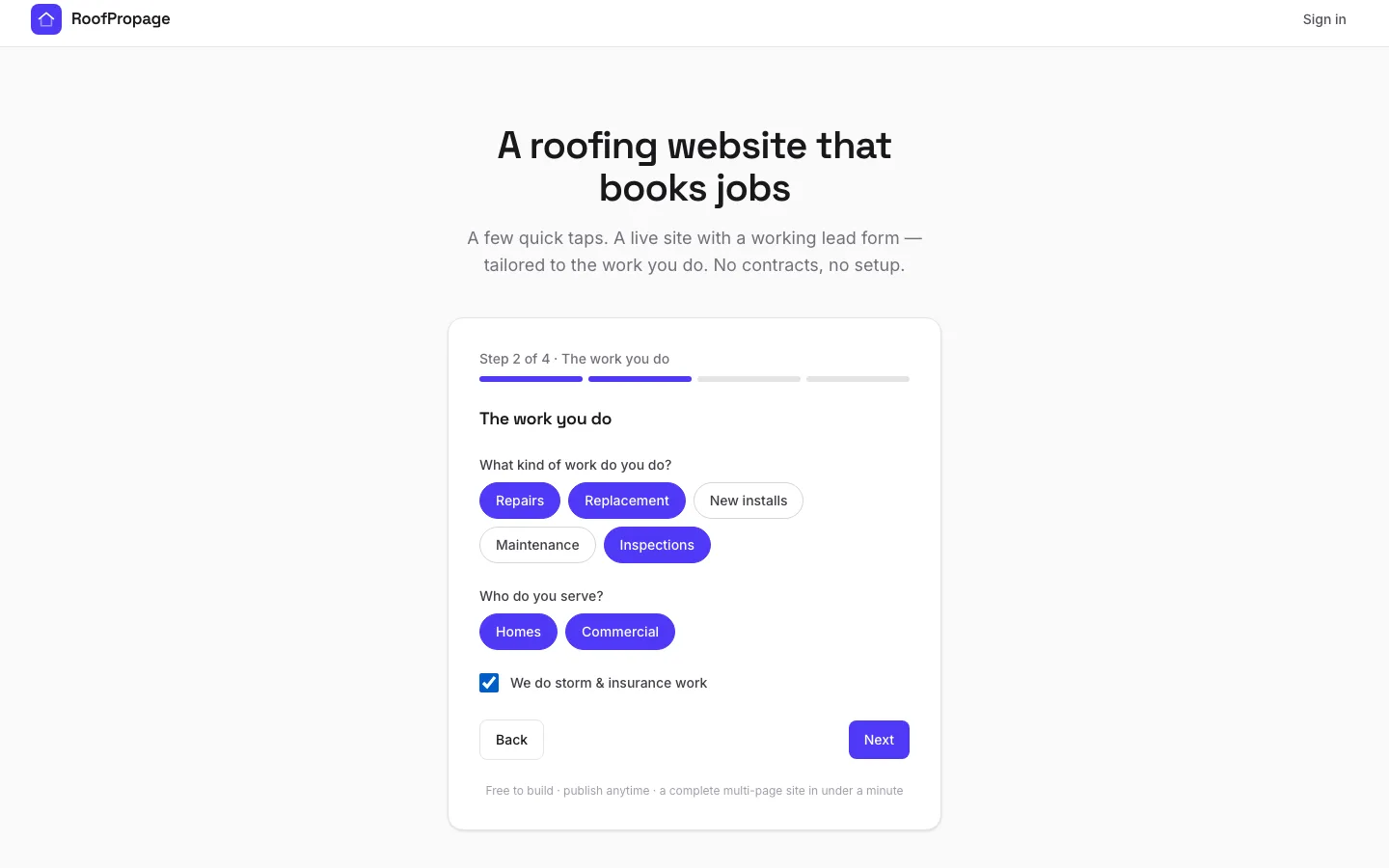
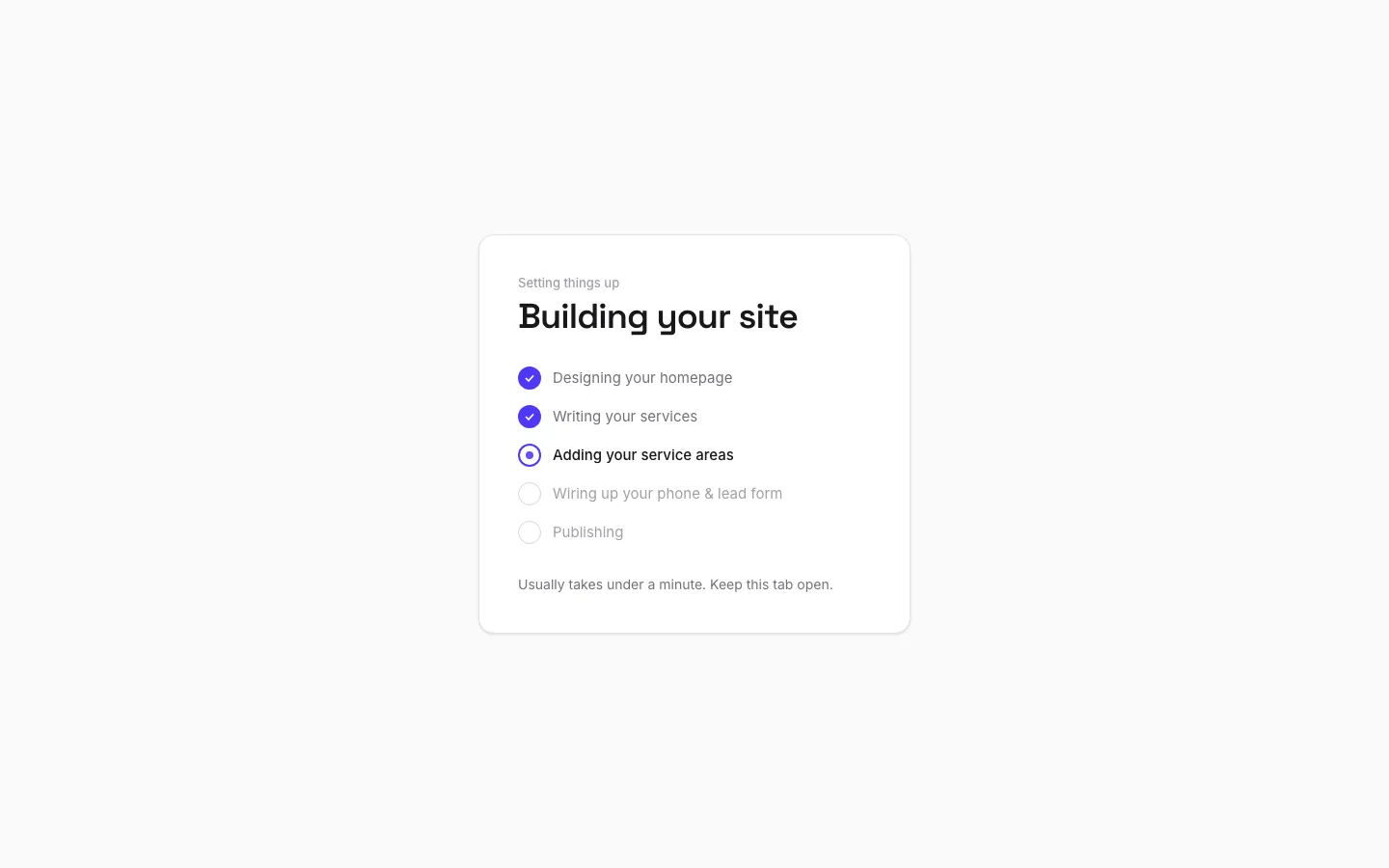
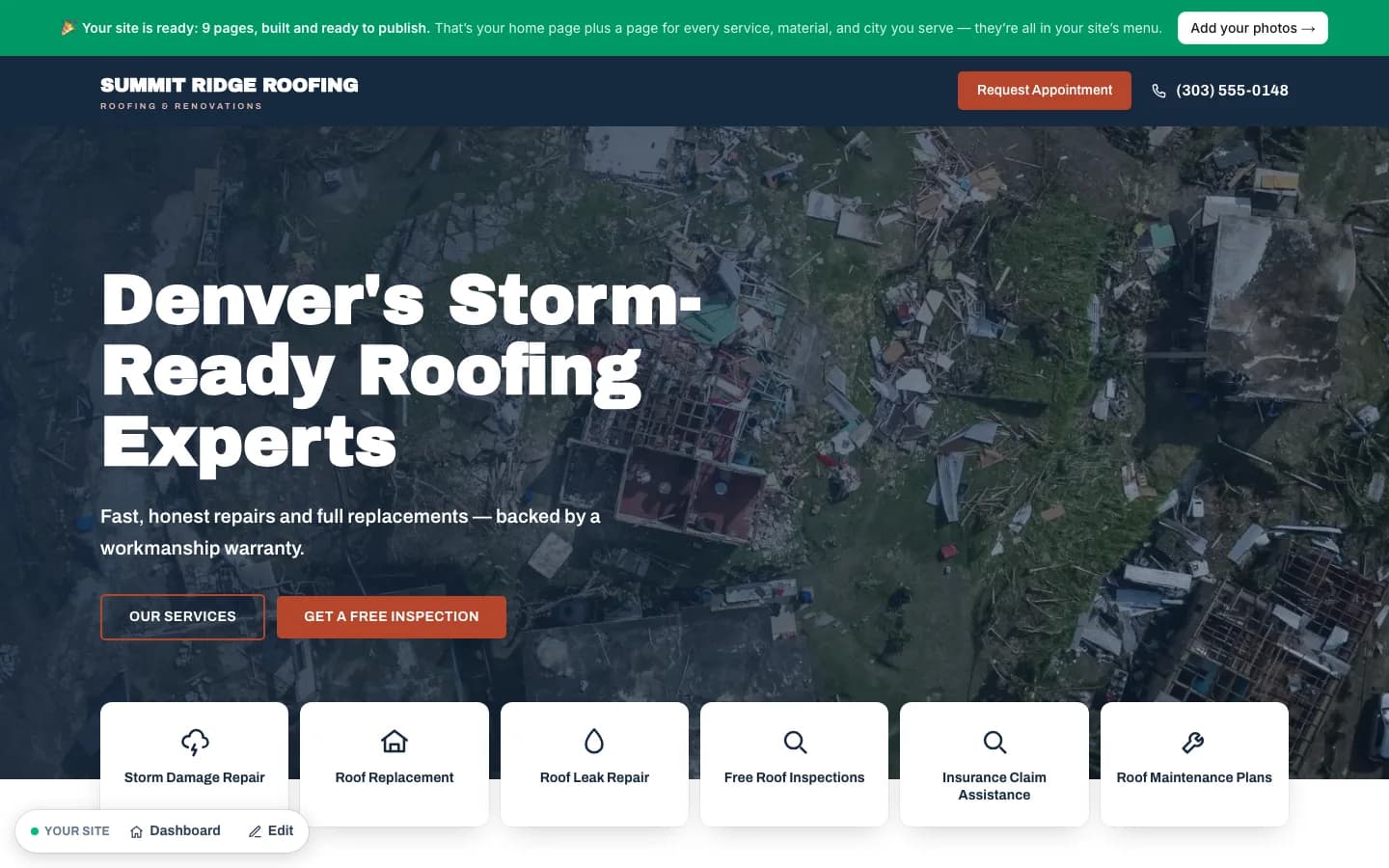
01 · Answer
Answer a few quick questions about your business.
Step 1 of 8: Answer a few quick questions about your business.
The five steps, start to finish
- 1
Build your site
Go to Build my site and answer a few quick questions — your business name, city, and the work you do. In about a minute you’ll have a complete multi-page roofing site. No account, no payment to start.
- 2
Preview every page
Click through the whole site — home, services, materials, and your service-area pages. It’s all free to look at, and you can share the preview link with anyone.
- 3
Claim it & publish
When you’re happy, sign in to claim the site to your account — we email you a one-tap link, so there’s no password to remember. Then publish for $49/mo to put it live with a working lead form. See what’s included.
- 4
Edit anytime
Change any headline, paragraph, or photo from your dashboard whenever you like — and switch the design or accent color without starting over. No developer needed.
- 5
Collect leads
Every quote request from your site is emailed to you and saved in your dashboard inbox — name, phone, and message, with one tap to call or text them back.
A few common questions
Do I need an account to try it?
No. You can build and preview a whole site before creating an account. You only sign in when you’re ready to claim and publish it.
Built a site before signing in?
If you built a site before signing in, you can claim it to your account from the dashboard — it links right up.
Want your own web address?
It’s included in your $49/mo: ask in your dashboard and we’ll register one for you. Already own a domain? Connect that instead, anytime. No extra charge from us either way, and the domain stays yours. Custom domains →
Stuck, or need anything else?
Email us and a real person will get back to you. support@roofpropage.com →